Monday, September 6, 2010

ASSIGNMENT 3 (BIRTHDAY CARD)


1) The final assignment is to localize the existing birthday card and put some culture in the design. So ive decided to pick this card and localize it.


Research & reference:


3) These are the references that i used in other to complete my birthday card.


Research & reference:


Research & reference:


Research & reference:


2) Then applied it using adobe illustrator.

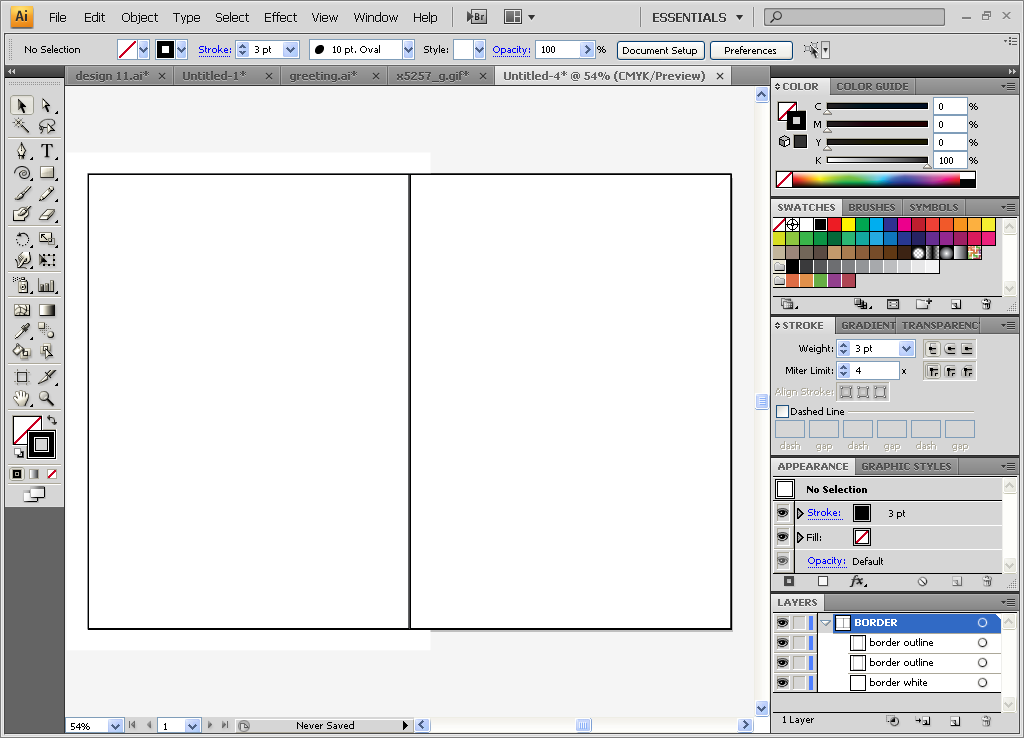
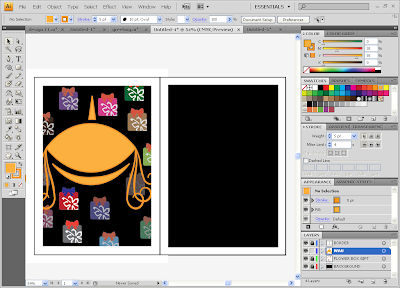
a) First i create the border for my birthday card. I used rectangle tool (M) and copy & paste so that i have a two borders outline.


b) Again using the same tool which is rectangle tool (M) i applied it for background and fill it with black color. And copy & paste (ctrl+c & ctrl+f) for the other side.


c) To make a gift box and then decorate with bunga raya, i used rectangle tool (M) and fill with red.


And then i used pen tool (P) to draw the flower (bunga raya) and also the ribbon. And place everything to fit with the gift box. Group (ctrl+g) the box and copy paste (ctrl+c & ctrl+f) several of it and fill with the different colors and arrange it. I also play with the capacity for each boxes.


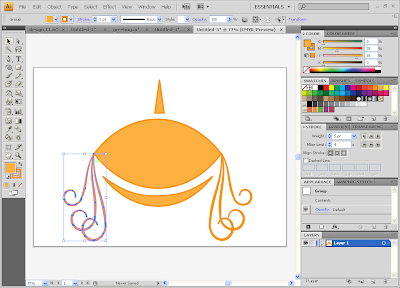
d) To create a WAU, i used arc tool and copy paste (ctrl+c & ctrl+f) the line and reflect it. And then i fill with the orange color and play with the stroke. Same goes to the bottom and top of the WAU.


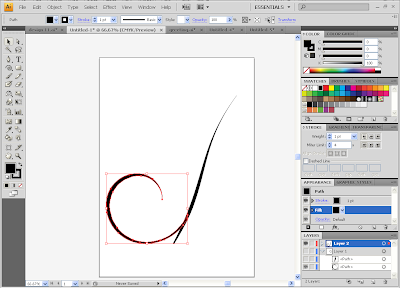
e) The next step is to creat a swirls of the WAU. Using spiral tool and hold it, then adjust the swirl as we wanted with the arrow key in keyboard for increase and decrease it. Again copy & paste (ctrl+c & ctrl+f) the stroke and adjust it. To joint the corner of the stroke, select the corner and choose path and joint (Ctrl+J). And then fill it with color.


Research & reference:


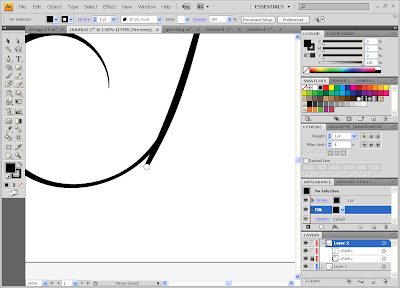
f) Used pen tool (P) to make a long swirl and join it together with the spiral swirl. Locked the spiral swirl and erase the remainder of the long swirl.


Research & reference:


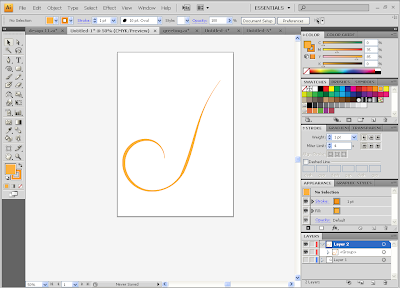
g) And then join the swirls with the WAU and group (ctrl+g) them. After that place it into the card.


h) Now move to the font for HAPPY BIRTHDAY. I chose "dimitri" and fill with black. Select all then right click and choose create outlines for create each of the alphabets outline. I applied gradient and change the angle to (-90) and play with the color. I want to make this font glow so i used outer glow. Window - stylize - outer glow. Place it to the WAU.


Research & reference:


i) The next step is star, using star tool and duplicate it and apply the outer glow to make the star shine n glow.


j) And lastly is the greeting card, im using calliph font for "WISHING" text and the rest using monotype. I'll add my own greeting whcih is "and hope you have a "WAU" birthday ever!" which is related to my design.


And this is the final output of my birthday card !


From original to localize.


TO


DESCRIPTIONS ABOUT MY BIRTHDAY CARD

1) According to Ancient and Heraldic traditions much symbolism is associated with colors. The colors on the Malaysian represent the following:

Yellow - the color of the royal family

White - peace and honesty

Red - hardiness, bravery, strength & valour

Blue - vigilance, truth and loyalty, perseverance & justice. The blue field also symbolizes the unity of the Malaysian people.

2) Star - yellow star both being the traditional symbols of Islam and for this symbol I've got the idea from Malaysian flag.

3) Hibiscus rosa-sinensis (Bunga Raya) - Hibiscus rosa-sinensis is the national flower of Malaysia, called Bunga Raya in Malay and declared by the government of Malaysia that the hibiscus would be the national flower.

4) Wau bulan - Wau bulan is an intricately designed Malaysian moon-kite (normally with floral motifs) that is traditionally flown by men in the Malaysian state of Kelantan. It is one of Malaysia's national symbols.


Monday, August 9, 2010

ASSIGNMENT 2 (FESTIVE CALENDAR)


1) For this task
we have to create a calendar based on a festive season like Christmas, Chinese New Year, Hari Raya, Deepavali and so on. In other words, we have to create a calendar based on the month the festival fall into. So i chose Hari Raya Aidilfitri as my festive calendar.


THEME: MONTH OF FORGIVENESS.


2) Ive sketched my idea before proceed to illustrator.
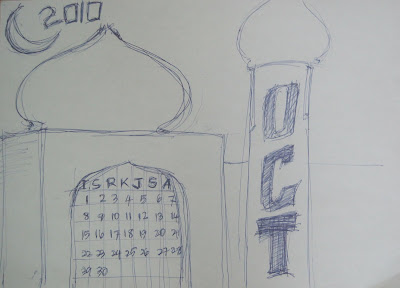
And yeah ive made a tiny mistake as in Hari Raya should be on September but i did correct it in illustrator.


3) And i search several of images as my references for my calendar.

For this two images, i used as my reference for the background calendar which is the sunset and mosque shadow.

Research and reference:


And i used these images to trace the bird and the grass.


And the image below was my reference for my text and applied to the theme of my calendar which is calligraphy.


4) And then i applied it using illustrator.

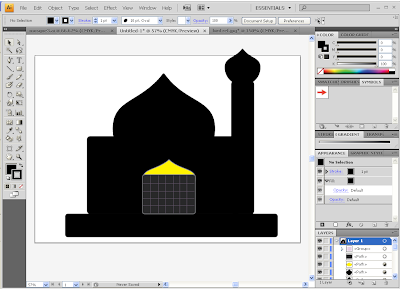
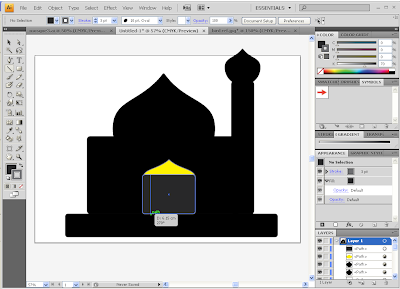
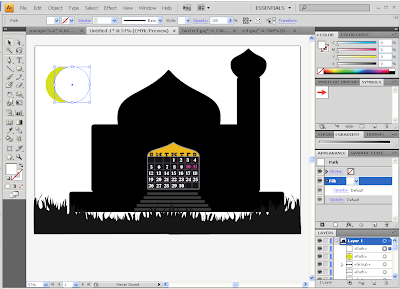
a) First i used rounded rectangle tool to make a big square and fill it with black in color.
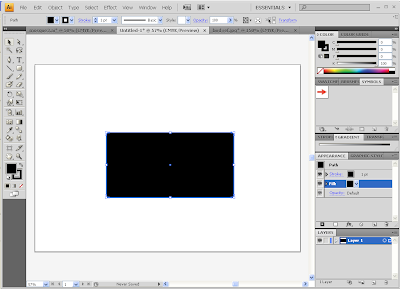


b) Again using rounded rectangle tool to make a mosque tower and platform with the same fill color which is black.
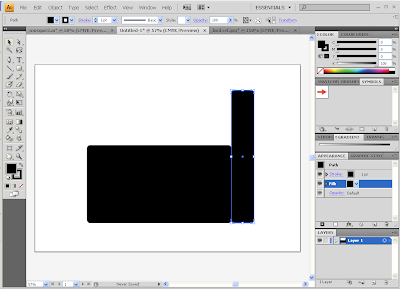
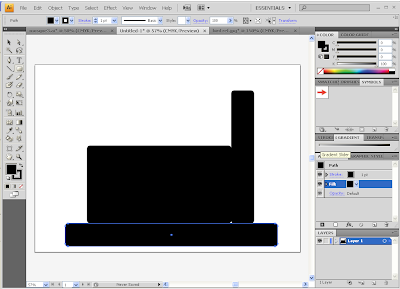


c) Then using ellipse tool(L) to make one rounded shape and i applied add anchor point tool(+) to that shape for the mosque dome.
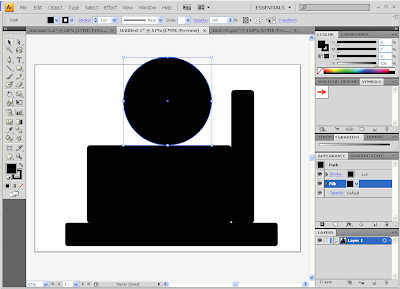
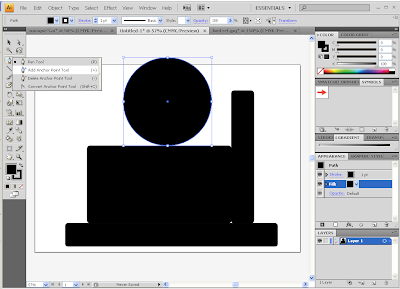
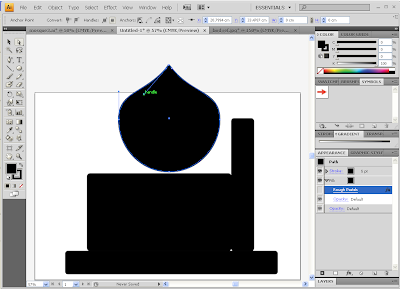
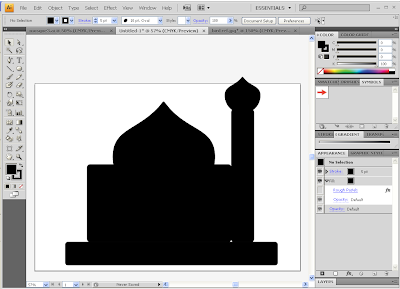


d) For the entrance door, using rounded rectangle tool and fill with gray in color and on top of the entrance door, just using the same method as mosque dome c).
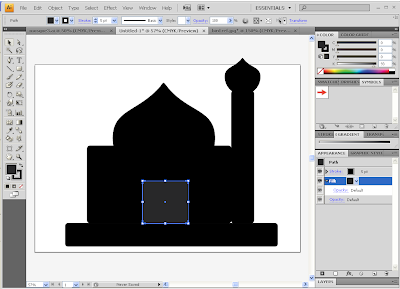
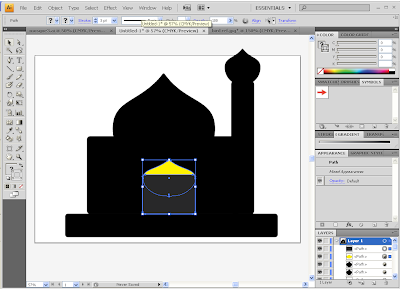


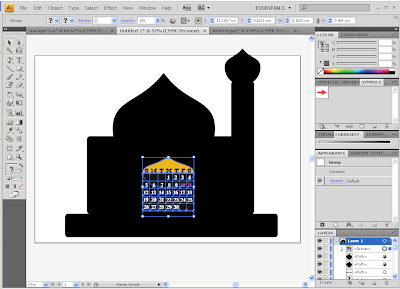
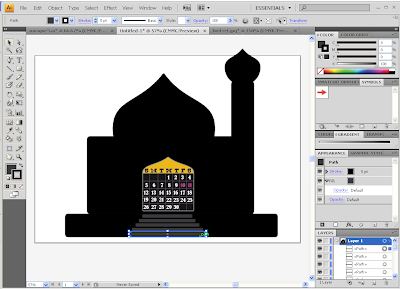
e) And then using line tool to make a box because im using this entrance door as my date and day. So the text im using is:

Day - bogusflow
Number - bernard MT condens


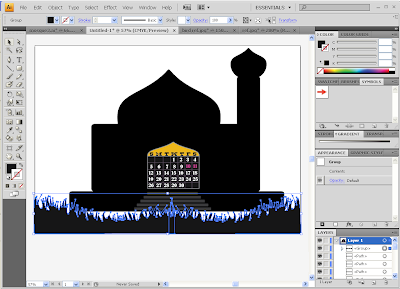
f) For stairs i used rectangle tool(M) and arranged as shown below.


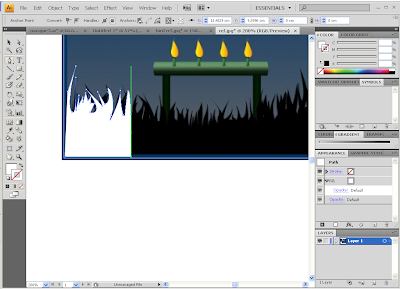
g) For the grass i am using pen tool to trace the grass from this image.


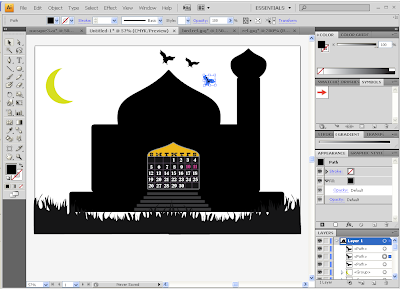
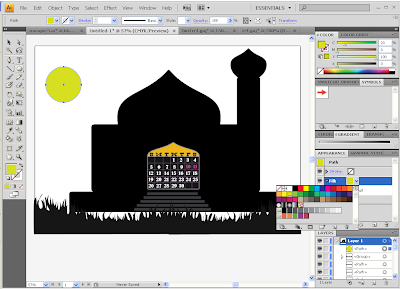
h) After that, i used ellipse tool(L) to make 2 rounded shapes. Then one of the shape i fill it with white in color and place it on top of another shape with the yellow and adjust the position until the shape of moon appeared.


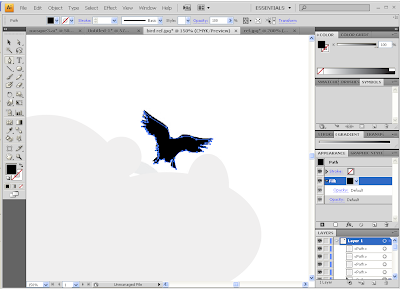
i) Again i traced this bird from this image and Re-scaled and rotated this bird to fit in.


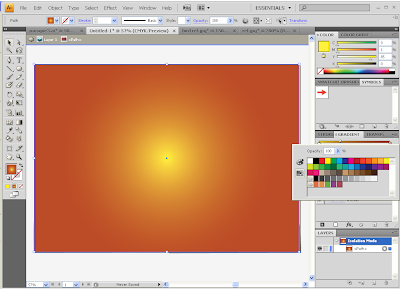
j) For the background, using rectangle tool(M) and applied gradient effect (radial), using the tone color yellow to dark orange for the sunset.


k) Then using text:

2010 - capture it regular.
September - albertino.
Theme: month of forgiveness - kingthings calligraph.
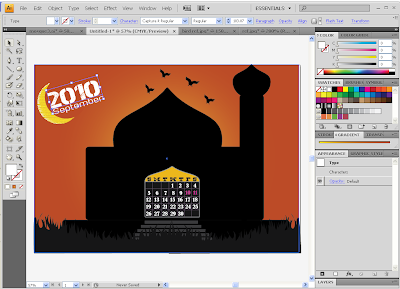
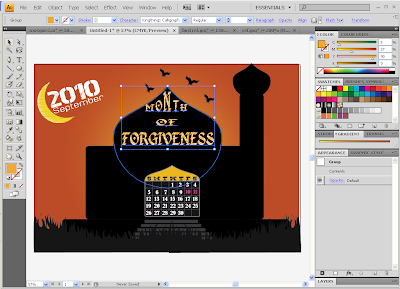


l) The last step is i used effect gallery to the mosque dome, moon and the theme.
effect gallery - artistic - rough pastels.
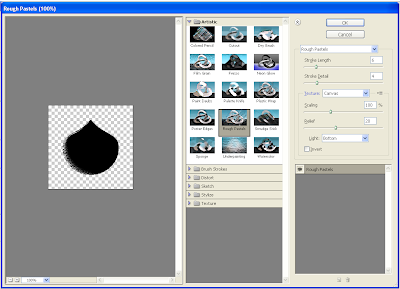
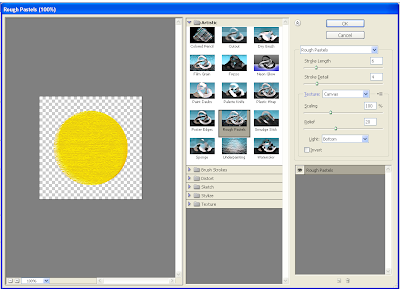


m) Finally i finalized everything.
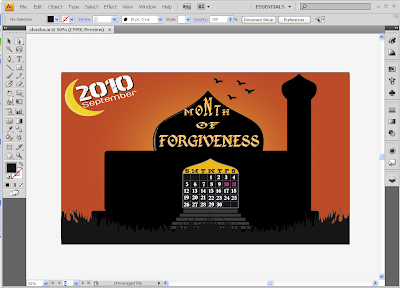


And the final output of my Hari Raya Calendar !
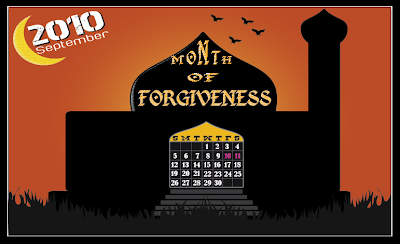

DESCRIPTION ABOUT CALENDAR

1) I don't put much objects or images in my calendar as i wanted to make simple because i want to highlight the mosque and the sunset.

2) Since my theme is MONTH OF FORGIVENESS, i put mosque which place where Muslim peoples pray and seek for forgiveness.

3) I chose sunset to create a relax and calm mood so that it can bring the feelings of peaceful. The bird as a symbol of peace and it related to the theme which is forgiveness.

4) In Islamic calendar, they refer to a new moon as starting of the month and 1st of Syawal 1431H (Islamic month) which is same to 10th September 2010 is where hari raya fall into. So i put a new crescent moon to my calendar as the symbol of Hari Raya.